Walk into any electronics store and you will be greeted by a wall of televisions and monitors, all promising sharper images and more vivid colors than the one next to it.
Somewhere in the fine print, you will see two terms repeated over and over: FHD and 4K. For most shoppers, these labels are more confusing than helpful. What do they actually mean, and does the jump from one to the other make a real difference in your everyday viewing or gaming experience?
This article breaks down what each resolution actually offers, how they differ in practical terms, and whether upgrading to 4K is a decision that fits your needs and your budget.
What Is FHD (Full HD)?
FHD, short for Full High Definition, refers to a screen resolution of 1920 by 1080 pixels, commonly known as 1080p. This has been the gold standard for televisions, monitors, and streaming content for well over a decade. When Blu-ray discs first hit the market and HDTVs became mainstream, FHD was the resolution that defined “high quality” video.
The math behind FHD is straightforward. Multiply 1920 by 1080 and you get roughly 2.07 million pixels packed onto the screen. The standard aspect ratio for FHD is 16:9, the same widescreen format used across nearly all modern displays, from laptops to living room TVs.
Despite newer technology pushing resolutions higher, FHD has remained relevant because it strikes a comfortable balance between picture quality, file size, and hardware cost.
It is still the default resolution for a huge portion of streaming content, especially on smaller devices where the extra detail of higher resolutions would not be noticeable anyway.
What Is 4K?
4K, often labeled as UHD (Ultra High Definition) in consumer products, refers to a resolution of 3840 by 2160 pixels. This is technically the “consumer 4K” standard, distinct from the “true cinema 4K” used in professional filmmaking, which measures 4096 by 2160 pixels.
For nearly all practical purposes, when people talk about a 4K TV or monitor, they mean the 3840 x 2160 UHD standard.
The name “4K” comes from the horizontal pixel count, which is close to 4,000 pixels wide, roughly four times that number if you count total pixels rather than just width.

In fact, 4K resolution contains about 8.3 million pixels in total, compared to FHD’s 2.07 million. That means a 4K screen packs in exactly four times the pixel density of an FHD screen at the same physical size.
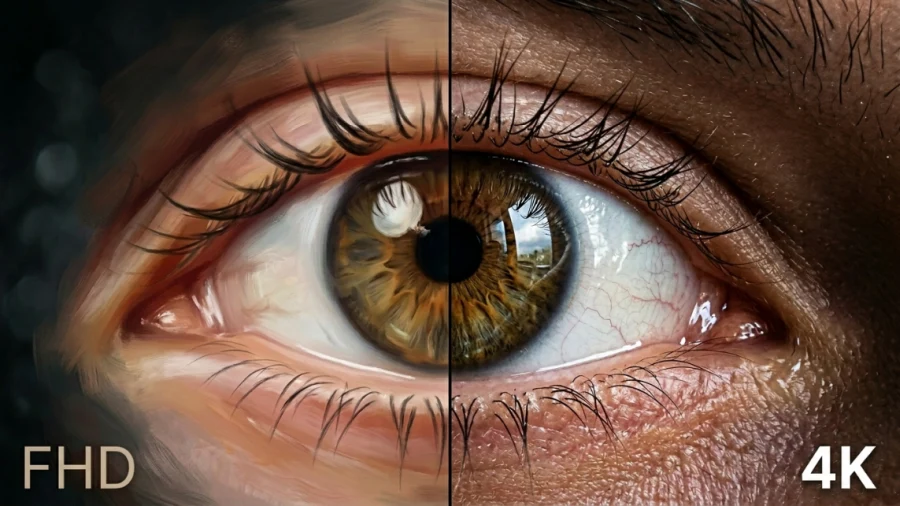
This dramatic increase in pixel count is what allows 4K displays to render finer details, smoother curves, and crisper text, particularly noticeable on larger screens or when viewed up close.
Key Differences
The gap between FHD and 4K goes beyond just a bigger number on the spec sheet. Here is how the two actually compare in real-world use.
Picture sharpness and detail is the most obvious difference. On a large screen, 4K content shows finer textures, more defined edges, and better clarity in scenes with lots of visual detail, like nature documentaries or busy cityscapes. On smaller screens, this difference becomes far less noticeable to the naked eye.
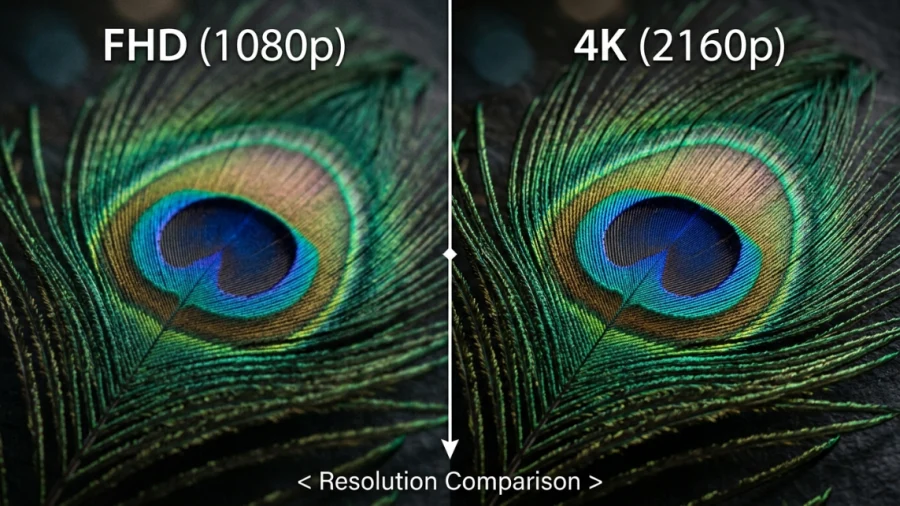
Viewing distance plays a bigger role than most people realize. The benefits of 4K only become apparent if you are sitting close enough to the screen relative to its size. For example, on a 55-inch screen, you typically need to sit within about 7 feet to properly appreciate 4K detail. Sit farther back, and your eyes simply cannot resolve the extra pixels, making FHD and 4K look nearly identical.
File size and storage requirements scale significantly with 4K, since more pixels mean more data per frame. A 4K movie file can easily be two to four times larger than its FHD counterpart, which matters if you are storing content locally or working with limited storage devices.
Streaming bandwidth is another major factor. Streaming 4K content smoothly typically requires an internet connection of at least 25 Mbps, compared to around 5 to 8 Mbps for FHD. If your internet connection is inconsistent, streaming in 4K can lead to buffering or automatic quality downgrades.
Gaming performance introduces its own tradeoffs. Rendering games at 4K resolution demands significantly more from your graphics hardware, which can mean lower frame rates unless you have a powerful GPU. Many competitive gamers actually prefer FHD because it allows for higher frame rates, which can matter more than resolution in fast-paced games.
Content Availability
Even if you own a 4K display, that does not guarantee you are always watching true 4K content. Streaming platforms like Netflix, Disney+, and Amazon Prime Video offer 4K libraries, but the availability often depends on your subscription tier and the specific title you are watching.
Many shows and movies are still only available in FHD, even on platforms that support 4K streaming.
There is also an important distinction between native 4K content, which was filmed and produced at that resolution, and upscaled content, which takes lower-resolution footage and uses processing algorithms to approximate 4K detail.
Upscaled content can look noticeably better than raw FHD, but it does not match the sharpness of true native 4K.
Physical media follows a similar pattern. Standard Blu-ray discs max out at FHD, while UHD Blu-ray discs are required for native 4K playback, and they typically come at a higher price point along with requiring a compatible UHD Blu-ray player.
Hardware & Cost Considerations
Price is often the deciding factor for many buyers. FHD televisions and monitors are generally more affordable, especially in smaller screen sizes, making them attractive for secondary rooms, offices, or budget-conscious setups.
4K displays have become significantly cheaper over the past few years, but they still typically carry a price premium over comparable FHD models, particularly at larger screen sizes or with additional features like HDR support.
Beyond the display itself, achieving a true 4K experience often requires supporting hardware. For gaming, this means a graphics card capable of handling 4K resolution without tanking your frame rate. For streaming devices, this means a media player, gaming console, or streaming stick that explicitly supports 4K output.
Cabling matters too. Older HDMI cables may not support the bandwidth required for 4K at higher frame rates or with HDR enabled.
Upgrading to HDMI 2.0 or newer is often necessary to fully utilize a 4K setup, especially for gaming or high-frame-rate content.
Which Should You Choose?
The right choice really comes down to how and where you plan to use the screen.
FHD remains a smart, budget-friendly choice if you are working with a smaller screen size, sitting farther away from the display, or using the screen mainly for casual viewing, browsing, or office work.
Competitive gamers focused on fast reaction times may also prefer FHD, since it allows for smoother, higher frame rates on the same hardware.
4K makes the most sense if you are investing in a large screen for a home theater setup, watching a lot of native 4K content, doing video editing or content creation work, or want the most immersive gaming experience possible on capable hardware.
If you regularly sit close to a large display, the improved sharpness of 4K becomes much more noticeable and worthwhile.
As a general guideline, the larger your screen and the closer your viewing distance, the more value you will get out of upgrading to 4K. For smaller setups or more casual use, FHD continues to offer excellent quality without the added cost.
Q&A
Can the human eye tell the difference between 4K and 1080?
Yes, but only under the right conditions. The human eye can detect the added sharpness of 4K when viewing a large screen from a close distance. If you are sitting far away or using a smaller display, the difference becomes much harder to notice, since your eyes simply cannot resolve the extra pixel density at that range.
Is Netflix 1080p or 4K?
Netflix offers both, depending on your subscription plan and the specific title you are watching. Their Premium plan supports 4K streaming, but not all content on the platform is available in native 4K, and some titles remain limited to 1080p regardless of your plan.
Does 1080p look blurry on 4K?
Not blurry, but noticeably softer. When 1080p content plays on a 4K screen, the display has to upscale the image to fill the extra pixels, which can make details look slightly less crisp compared to native 4K content. It generally still looks clean, just not as sharp.
Can 1080p look as good as 4K?
In many everyday situations, yes. On smaller screens or when viewed from a normal distance, 1080p can look nearly identical to 4K to the naked eye. The difference becomes more apparent only on larger displays or when sitting closer to the screen.
Read Next
HDR400: Understanding Entry-Level HDR Display Technology
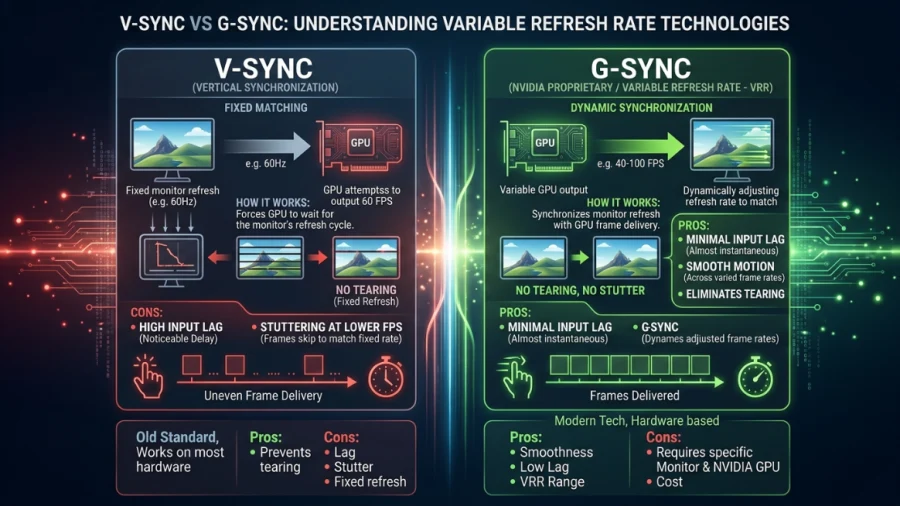
V-Sync vs G-Sync: Which Should You Use?
HDR10 vs HDR400 vs HDR600 vs HDR1000: Choosing the Right HDR Standard
WQHD vs QHD – Understanding the Differences and Choosing the Right Resolution
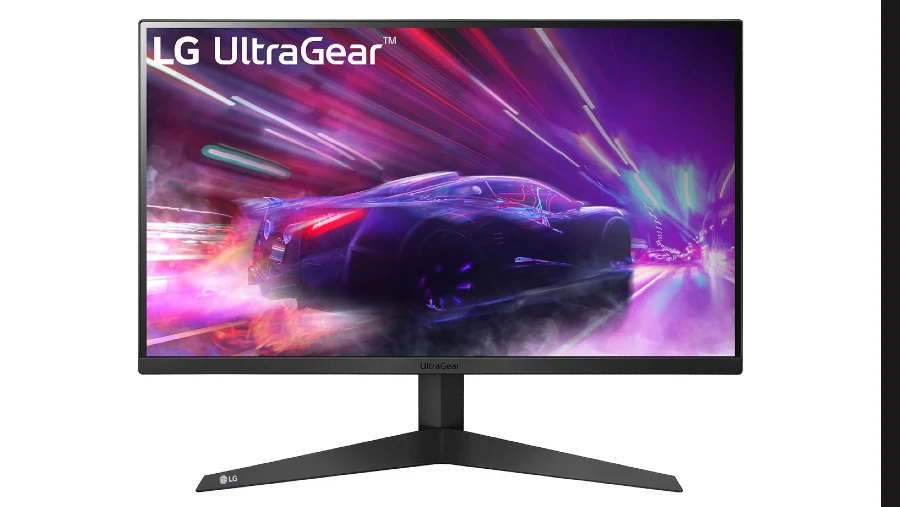
LG UltraGear 24GQ50F-B Review: 1920×1080 165Hz 1ms MBR FreeSync Premium; Essential Features Without Breaking the Bank
Blue PHOLED: Illuminating The Future of High-Efficiency Displays

Best VPN for Security, Privacy, and Unblocking Content

144Hz vs 240Hz: Which Refresh Rate Actually Matters?
QLED vs OLED: Understanding the Future of Television Display Technology
HDR10 vs HDR10+ vs Dolby Vision: HDR Formats Explained
Local Dimming On or Off: A Guide to the Best Settings
QLED vs UHD: What’s the Difference and Which One Actually Matters?
HDR Tone Mapping on TVs