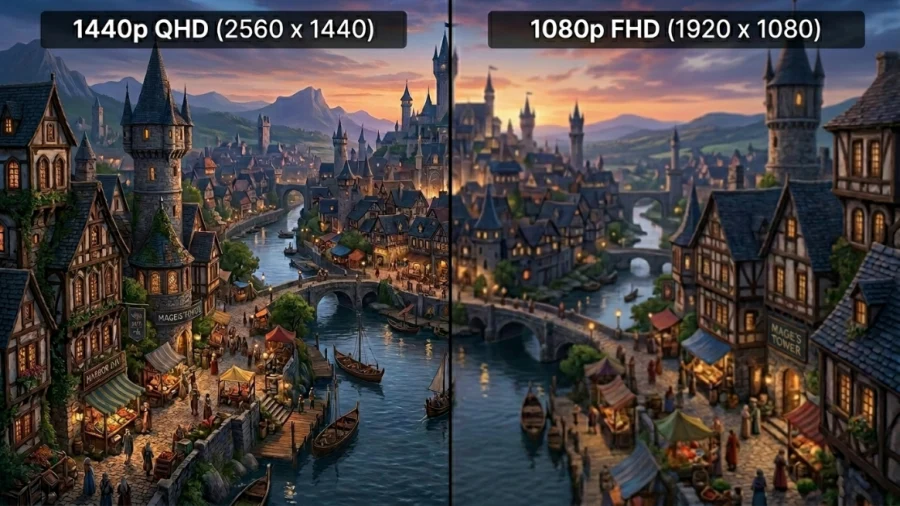
Display resolution has become one of the most important factors when choosing a monitor, laptop, or even a smartphone. As screens grow larger and digital content becomes more detailed, the debate about 1080p vs 1440p has become increasingly relevant.
At its core, the difference is simple: pixel count and clarity. A higher resolution means more pixels, which typically results in a sharper, more detailed image. However, that added clarity comes with trade-offs in performance requirements and cost.
So, is upgrading to 1440p worth it, or does 1080p still hold its ground? Let’s explore.
What Do 1080p and 1440p Actually Mean?
Resolution refers to the number of pixels displayed on a screen, expressed as width multiplied by height. Pixels are the tiny units that form an image, and the more pixels you have, the more detail can be displayed.
The “p” stands for progressive scan, meaning the image is rendered sequentially from top to bottom, resulting in smoother and more stable visuals.
That jump from 1080p to 1440p represents roughly a 78% increase in total pixels, which directly impacts sharpness, clarity, and overall visual fidelity.
Image Quality Comparison
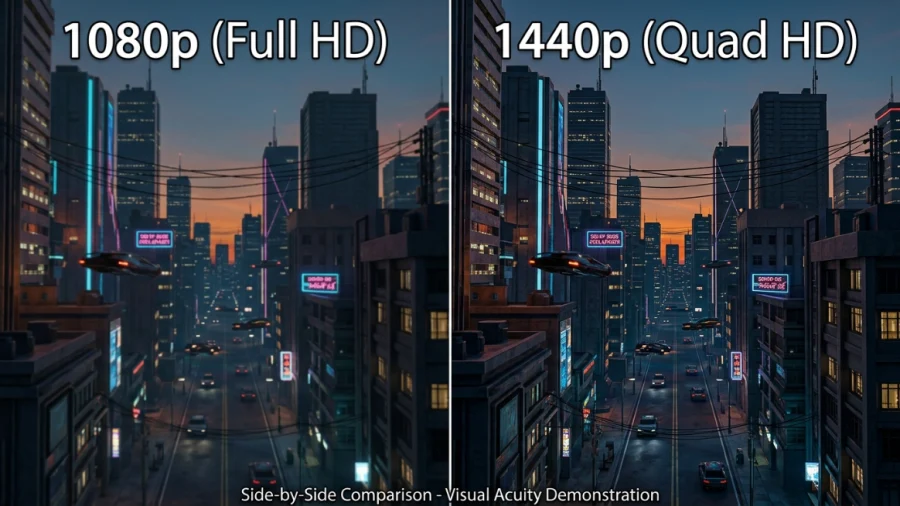
The most immediate difference between 1080p and 1440p is in sharpness and detail. With more pixels packed into the same space, 1440p produces a cleaner and more refined image. Text appears crisper, edges are smoother, and fine details in images or games become more visible.
This becomes especially noticeable in everyday tasks like reading, browsing, or working with detailed interfaces. The improved clarity reduces eye strain and makes long sessions more comfortable.
Where the difference really starts to stand out is with larger displays. On smaller screens, the improvement is present but subtle. As screen size increases, the gap becomes more obvious.
- Around 24-inch: difference is noticeable but modest
- Around 27-inch and above: 1440p looks significantly sharper
- 32-inch and larger: 1080p can appear soft or pixelated
Viewing distance also plays a role, but in typical desk setups, 1440p clearly pulls ahead on mid-to-large screens.
Performance Requirements
Higher resolution means more work for your system, especially your graphics card. Rendering nearly 80% more pixels puts a noticeable strain on performance, particularly in games.
In practical terms, this affects how smoothly your system runs:
- 1080p: easier to run, higher frame rates, less demanding
- 1440p: heavier load, lower FPS unless you have stronger hardware
For users with entry-level or older GPUs, 1080p remains the safer choice. It allows for stable performance without needing to lower settings too much. Meanwhile, 1440p is better suited for mid-range to high-end systems that can handle the increased workload.
Refresh rate also comes into play. Achieving very high frame rates is much easier at 1080p, which is why it remains popular in competitive gaming. With 1440p, you may need to balance between resolution and refresh rate depending on your hardware.
1440p vs 1080p: Use-Case Scenarios
Different use cases highlight the strengths of each resolution.
For productivity, 1440p offers clear benefits. The extra resolution translates into more usable space, allowing you to work with multiple windows more comfortably. Text appears sharper, which is especially helpful for reading-heavy tasks or long work sessions.
In gaming, the choice depends on your priorities:
Choose 1080p if you want:
- Maximum FPS
- Competitive advantage
- Better performance on weaker hardware
Choose 1440p if you want:
- Sharper visuals
- Better immersion
- More detailed environments
For multimedia and content creation, 1440p again has the edge. Whether you’re editing photos, working on videos, or simply watching high-quality content, the added detail improves the overall experience. While panel quality still matters for color accuracy, higher resolution enhances perceived sharpness and precision.
Cost Comparison
1080p monitors are generally more affordable and widely accessible, making them a strong choice for budget setups. They also pair well with less expensive hardware, keeping the total system cost lower.
1440p monitors tend to cost more, especially when combined with features like high refresh rates or premium panels. Beyond the monitor itself, you may also need to invest in a more powerful GPU to fully utilize the resolution.
In that sense, choosing 1440p is often part of a broader upgrade rather than a simple display change.
Pros and Cons Summary
Each resolution has its strengths and trade-offs, and the right choice depends on how you plan to use your setup.
1080p advantages:
- Lower cost
- Higher FPS on modest hardware
- Excellent for competitive gaming
1080p limitations:
- Lower pixel density
- Less detail on larger screens
1440p advantages:
- Sharper image quality
- More screen real estate
- Better for productivity and immersive gaming
1440p limitations:
- Higher hardware requirements
- Higher overall cost
Which Resolution Should You Choose?
Choosing between 1080p vs 1440p ultimately depends on your priorities. If you’re working with a limited budget or using a less powerful system, 1080p is still a perfectly valid choice. It delivers smooth performance and remains highly capable for both gaming and everyday use.
If you have a bit more flexibility in your budget and a system that can handle it, 1440p is often the better long-term investment. It provides a more modern viewing experience, with sharper visuals and greater versatility across different tasks.
Screen size should also influence your decision. On smaller monitors, the benefits of 1440p are less pronounced, but on larger displays, it becomes the more appropriate resolution. Your primary use case matters as well, whether that’s competitive gaming, creative work, or general multitasking.
Conclusion
The difference between 1080p and 1440p is more than just numbers—it’s about how you experience everything on your screen. From sharper text to more immersive gaming, 1440p offers a noticeable upgrade that becomes increasingly valuable as screen sizes grow.
That said, 1080p remains a practical and reliable option. It delivers strong performance, lower costs, and broad compatibility, making it far from obsolete.
If your priority is clarity and long-term value, 1440p is a compelling choice. If performance and affordability matter more, 1080p continues to be a smart and dependable option.
Q&A
Can the human eye see the difference between 1080p and 1440p?
Yes, in most typical setups the difference is noticeable, especially on 27-inch or larger screens. The human eye can detect the increased pixel density of 1440p, which results in sharper text, cleaner edges, and more detailed images. However, on smaller screens or at longer viewing distances, the difference becomes less obvious.
How many frames do you lose going from 1080 to 1440?
There’s no fixed number, but you can generally expect a performance drop of around 20% to 40%, depending on the game and your hardware. Since 1440p has about 78% more pixels to render, your GPU has to work significantly harder, which directly impacts frame rates.
Does 1440p look that much better?
For most users, yes – especially in everyday use and gaming. The improvement in sharpness, detail, and overall clarity is clearly visible, particularly on mid-to-large screens. While it may not feel like a massive leap at first glance, the difference becomes more apparent the longer you use it.
Why is 1440p so popular?
1440p hits a sweet spot between performance and visual quality. It offers a noticeable upgrade over 1080p without being as demanding as 4K, making it ideal for modern mid-range hardware. It’s also well-suited for both gaming and productivity, which makes it a versatile choice for many users.
Read Next
HD vs HDR: Differences and Benefits
OLED Pixel Refresh Explained: What It Is and Why Your TV Needs It
HDR On or Off? How to Decide
HDR10 vs 4K: Showdown for Superior Visuals

Wide Color Gamut (WCG): New Standard for Color Precision
Samsung Odyssey OLED G8/G80SD S32DG80 Review: 4K 240Hz 0.03ms; Ultra-Sharp Masterpiece for Gamers
HDR10 vs HDR10+ vs Dolby Vision: HDR Formats Explained
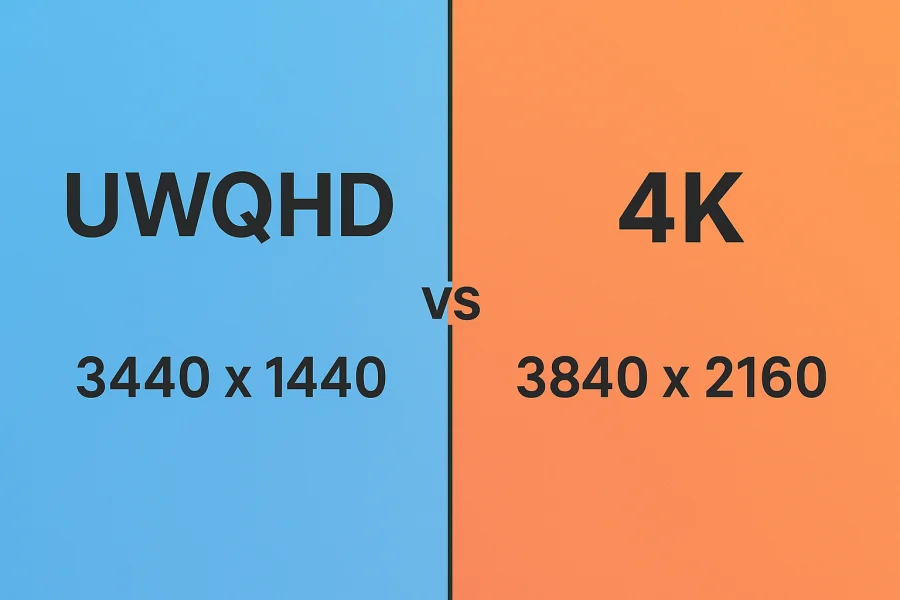
UWQHD vs 4K: How to Decide Between Ultra-Wide and Ultra-Detail
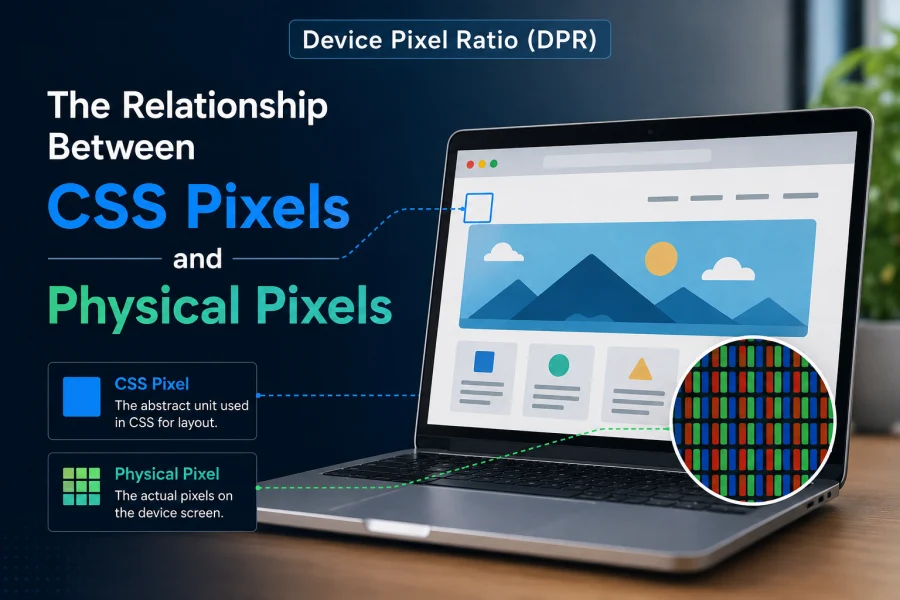
Device Pixel Ratio (DPR): The Relationship Between CSS Pixels and Physical Pixels
PHOLED vs OLED: Understanding the Differences and Advantages
MSI Optix MAG342CQR Review: 1500R 1ms 3440×1440 144Hz; Curved UltraWide Gaming Experience
What is My Screen Resolution

Best VPN for Security, Privacy, and Unblocking Content